CST - POS Process for a Mail-In Device Repair to PSA Parts
1. Creating New CST Ticket
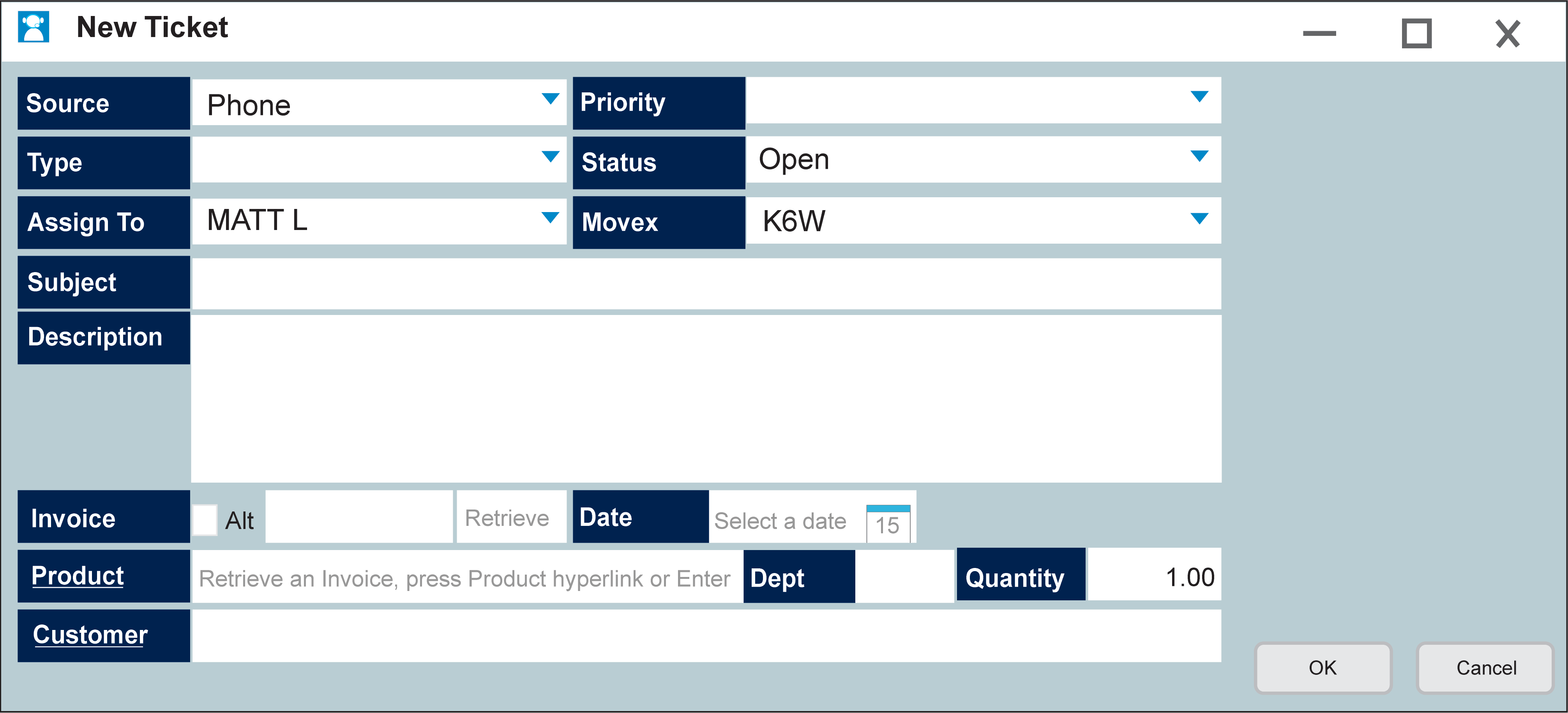
For all details to be prompted Faulty has to be selected in Type drop-down
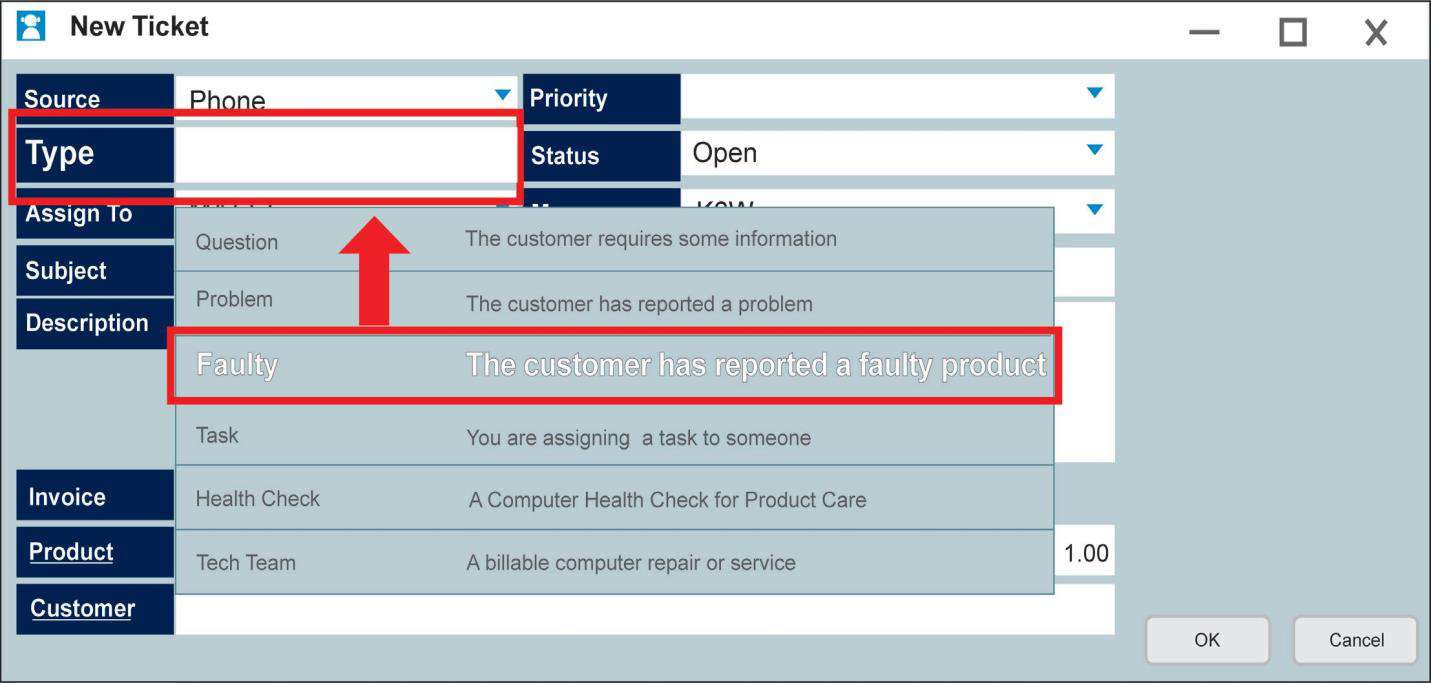
Staff can select INVOICE box and use a store Invoice and click retrieve to auto-fill details, or tick ALT if Invoice is from another store/retailer.
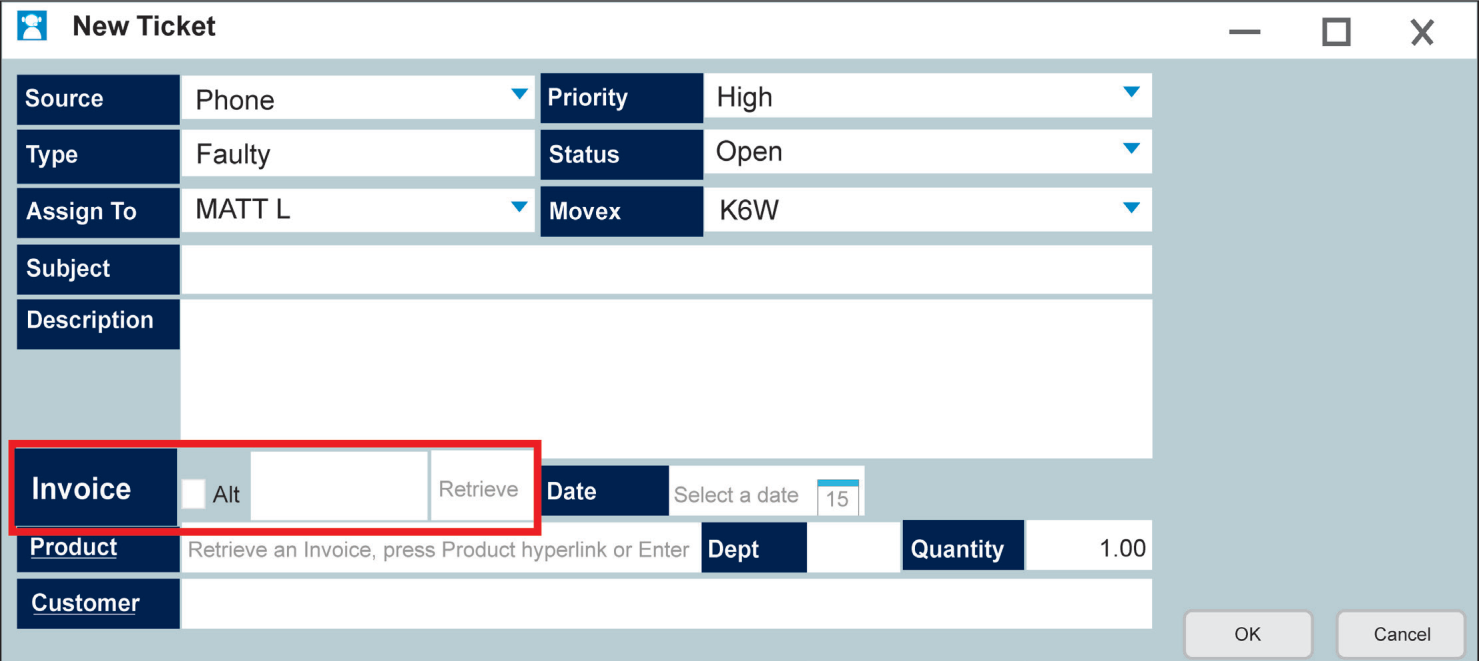
With details filled:
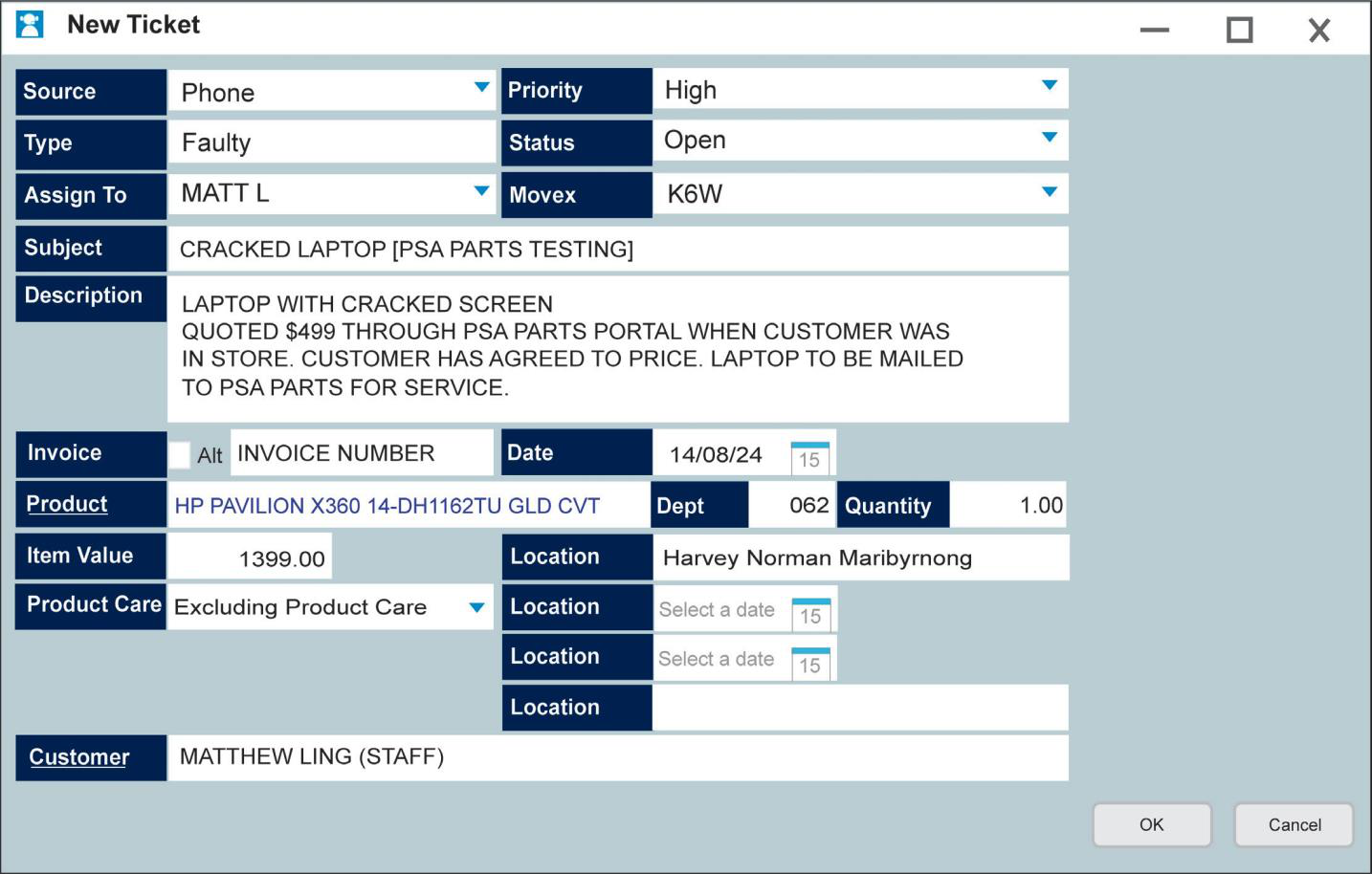
Workflow will then open when clicking OK
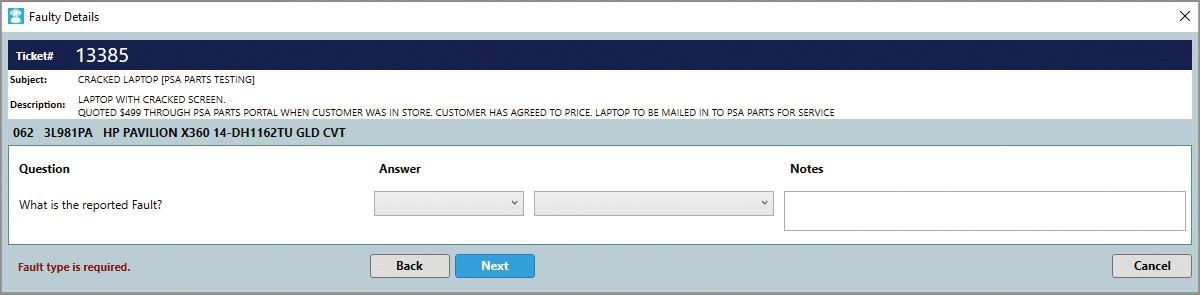
With details completed:
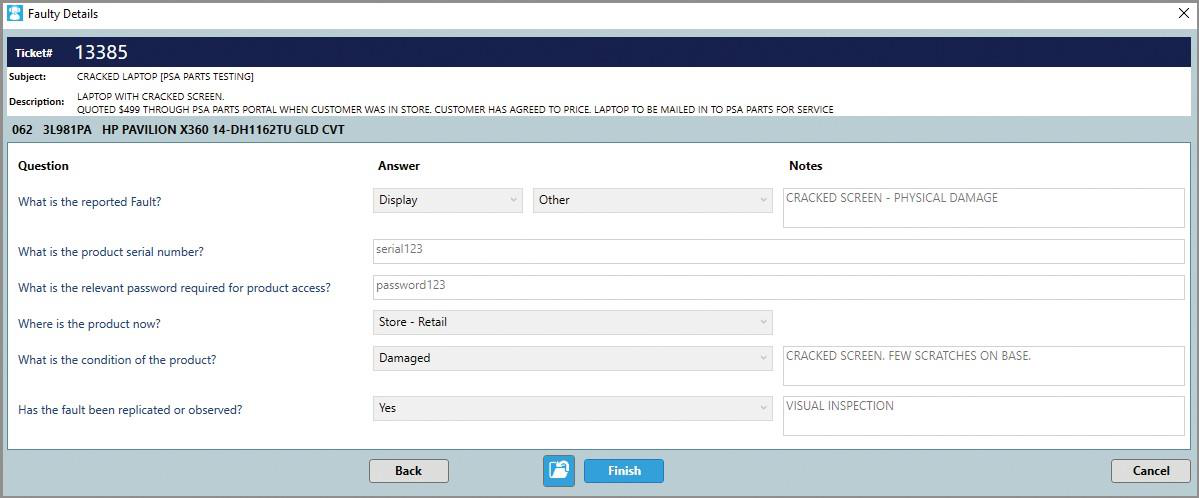
POS then prompts to print 2 documents
Customer Copy:
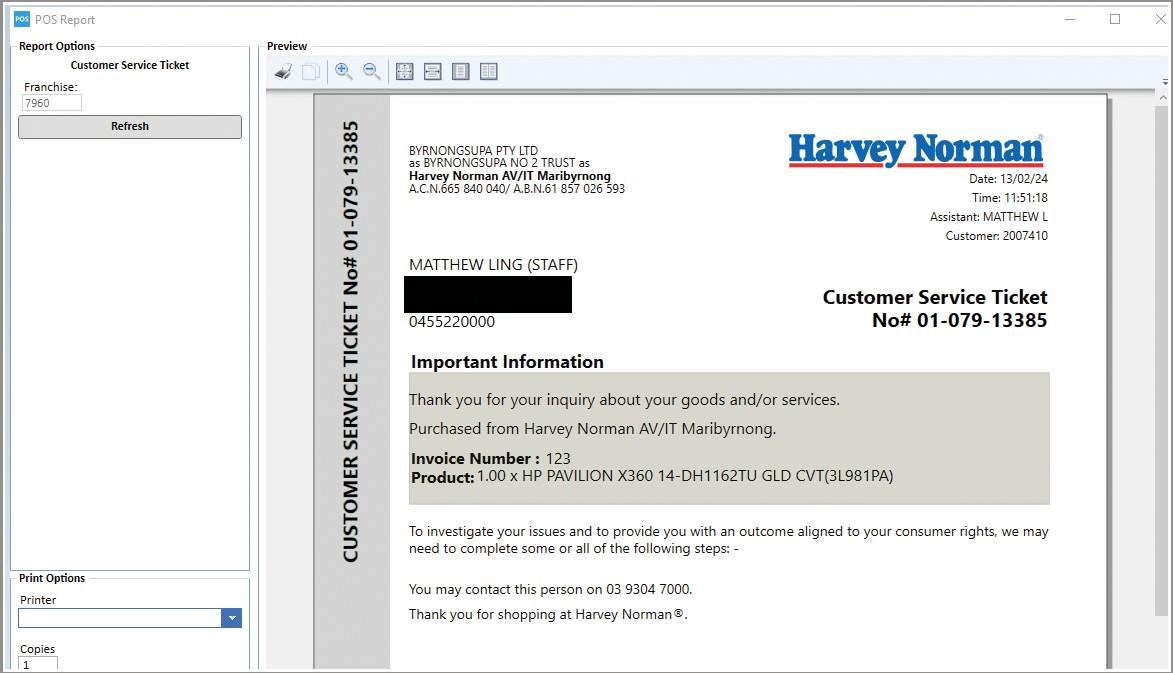
Store Copy:
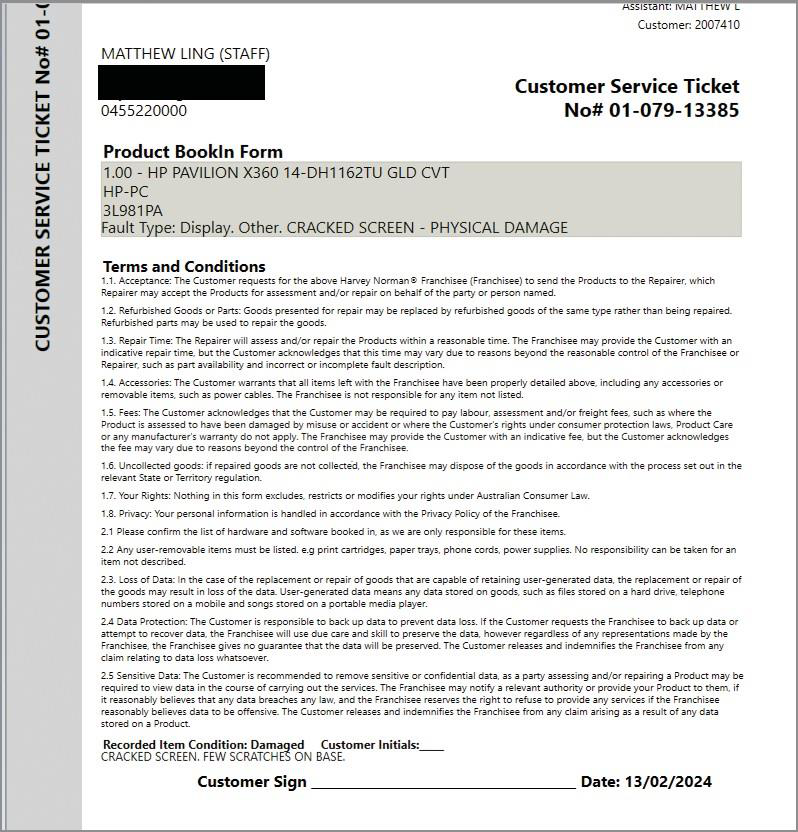
Customer signs in-store TS & Cs for 1.5 Fees, as well as signing our In-store Invoice with amount.
In-store ticket once entered:
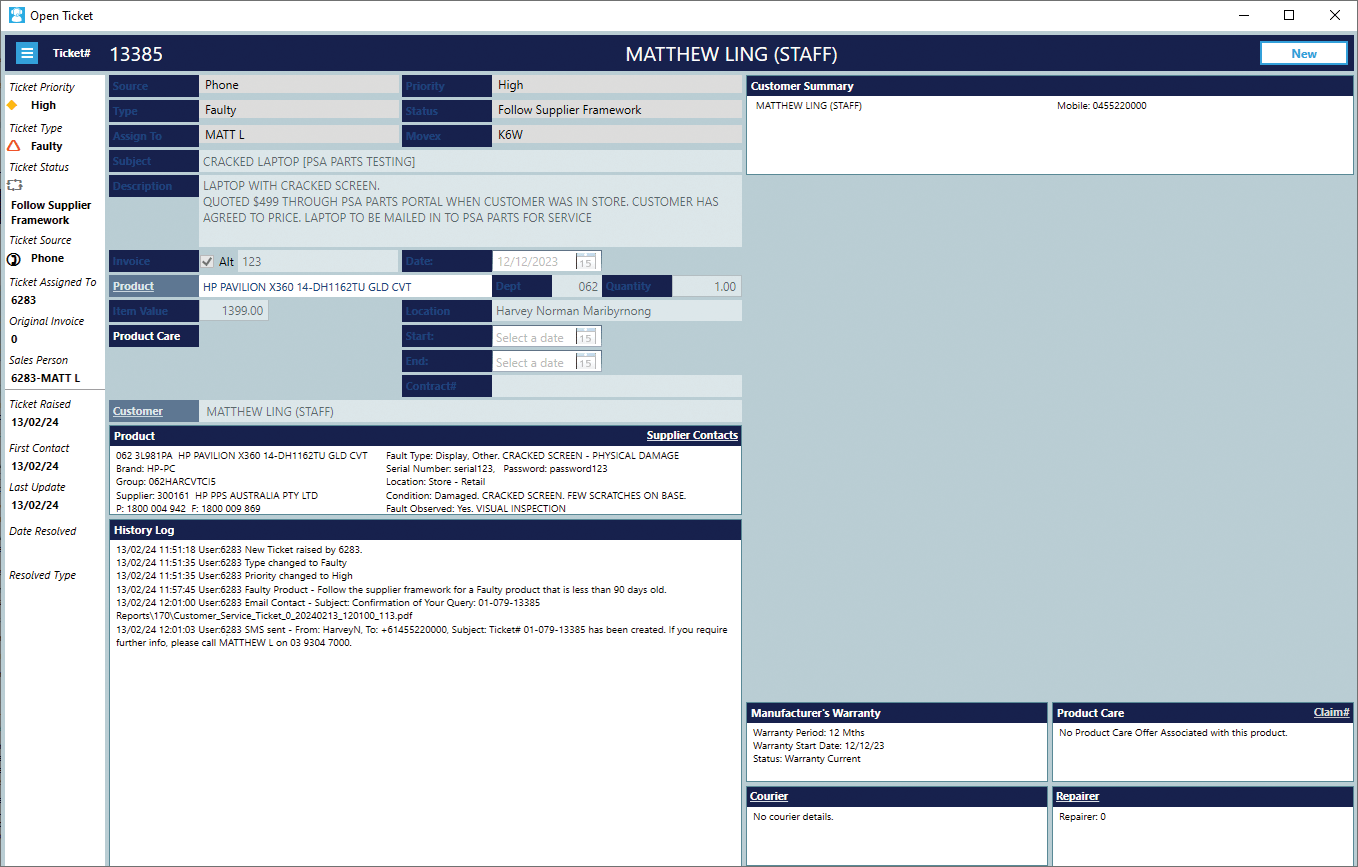
2. End User Invoice - POS
Staff enters code promoted from PSA Parts Portal and enters cost and sell
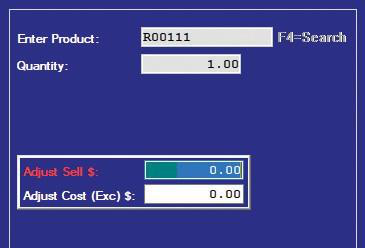
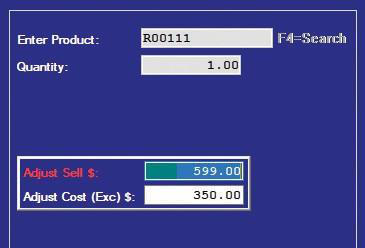
POS then prompts for Inventory Source (Where do you want to get the stock from)
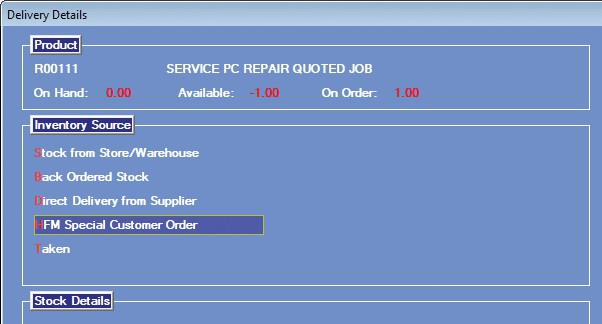
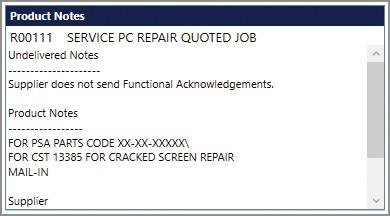
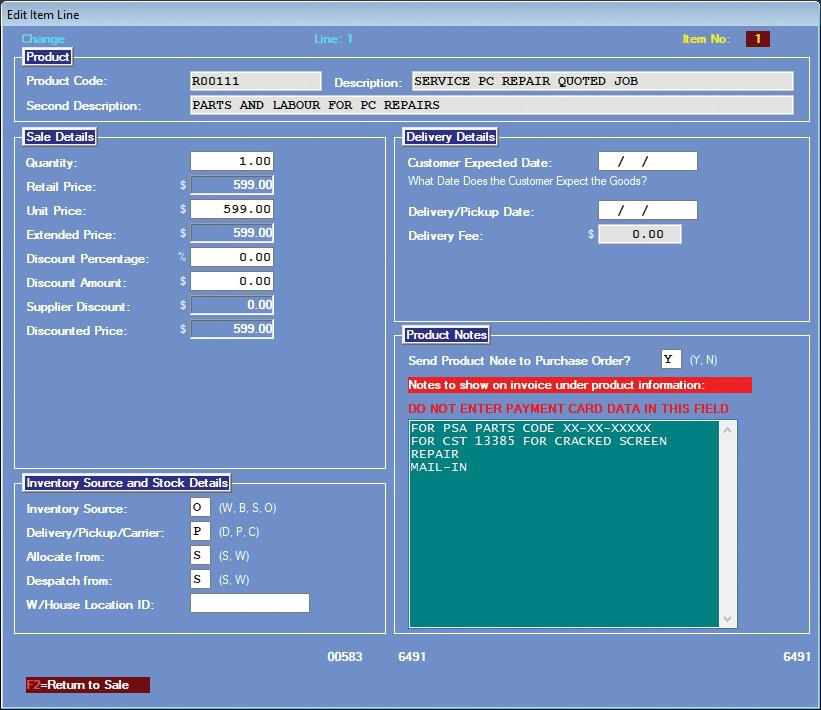
Product is then added to the invoice for staff to manually enter notes on the product/what item is being ordered.
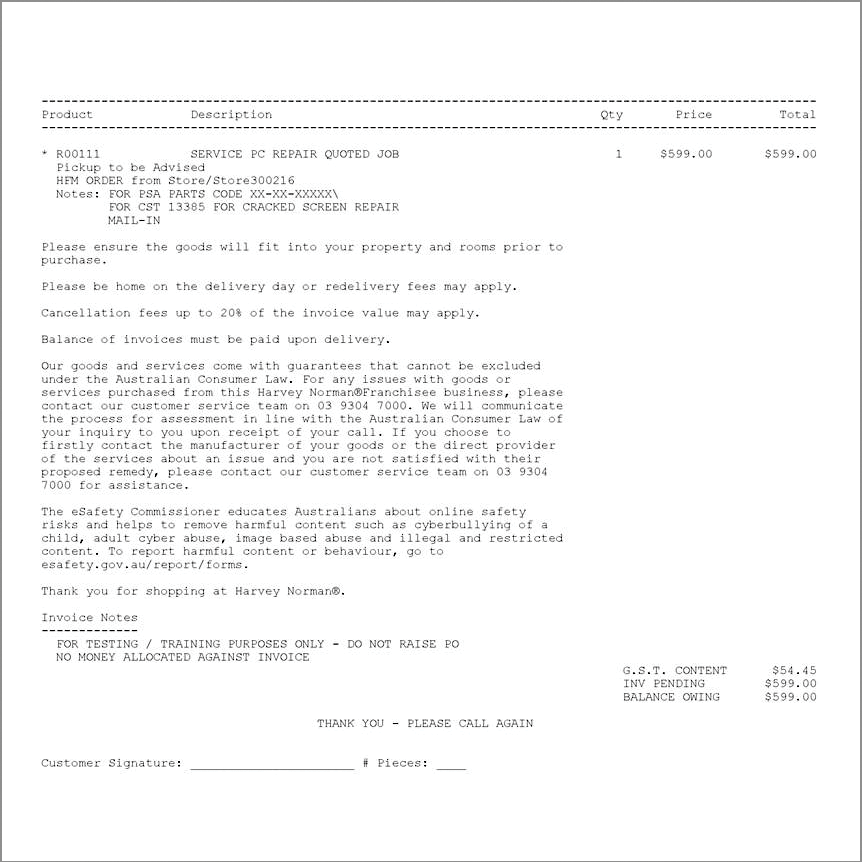
Customer Invoice that you have them sign:
3. PO Raising Process POS (for mail-in repair)
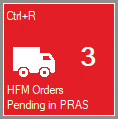
Item was allocated from HFM, so goes to a dedicated screen for management (Usually Prop or PIT) to approve the order.
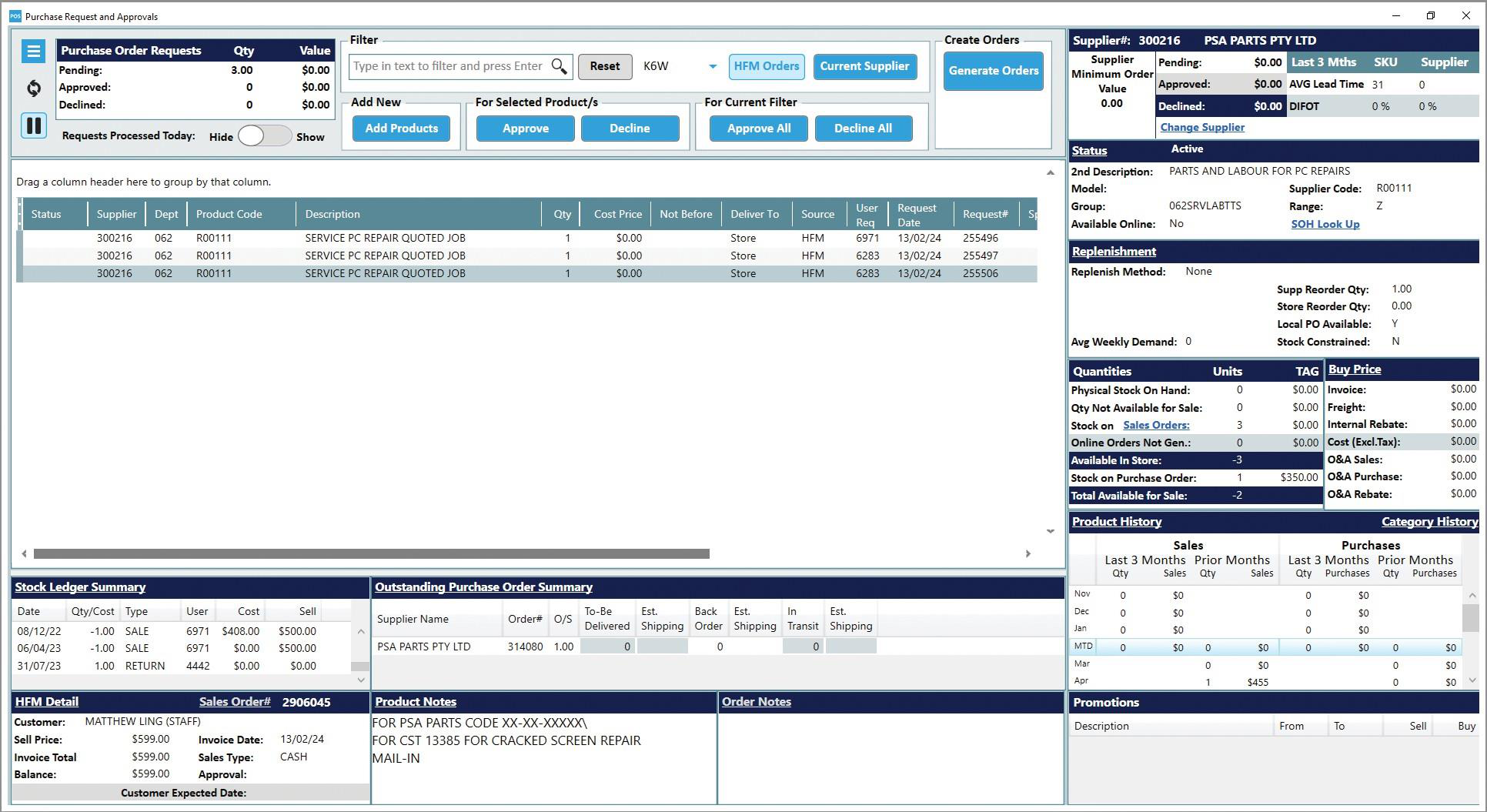
Hitting ENTER on selected job
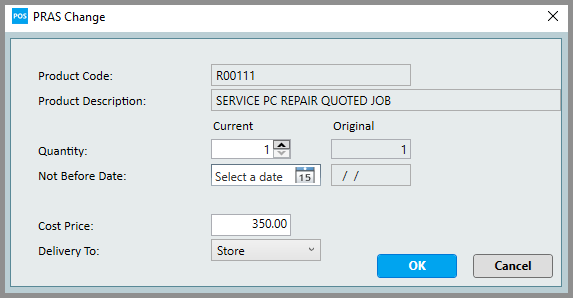
STORES MUST DO THIS TO ACCURATELY SEND THROUGH CORRECT COST PRICE TO PSA PARTS.

Note change on 3rd line
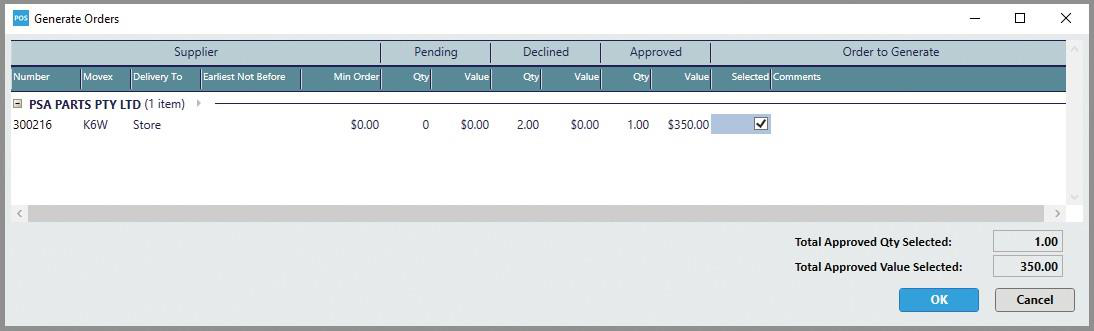
Prop then approves by line item before generating order

Bring up a summary screen before placing:
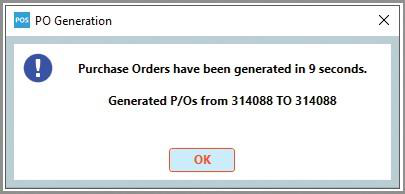
PO is then generated and sent to PSA Parts:
A note is then added on the Invoice side: